
Production-line temperature monitoring with IoT Builder and V-Node

When a temperature drifts before anyone notices
Temperature rarely fails all at once. A motor runs a few degrees hotter every week, a cabinet loses ventilation when a filter clogs, a cold room creeps up overnight. By the time someone reads the number on a screen, the damage is already done.
This article walks through a monitoring setup that catches the drift early: V-Node collects and aggregates readings at the edge and sends them to IoT Builder, which evaluates the rule and sends the notification to Webex.
The scenario
Picture a production line where temperature matters in several places: equipment cabinets, drives, a storage area for materials. The readings come from controllers and sensors that speak different protocols, and the line sits in a segmented OT network that you would rather keep closed. This is an illustrative setup, not a specific customer deployment.
V-Node is installed inside that network. It runs on hardware as modest as a Raspberry Pi or a Cisco IOx device, with a footprint under 1% CPU and 256 MB of memory, so it fits next to the equipment it watches.
From reading to event
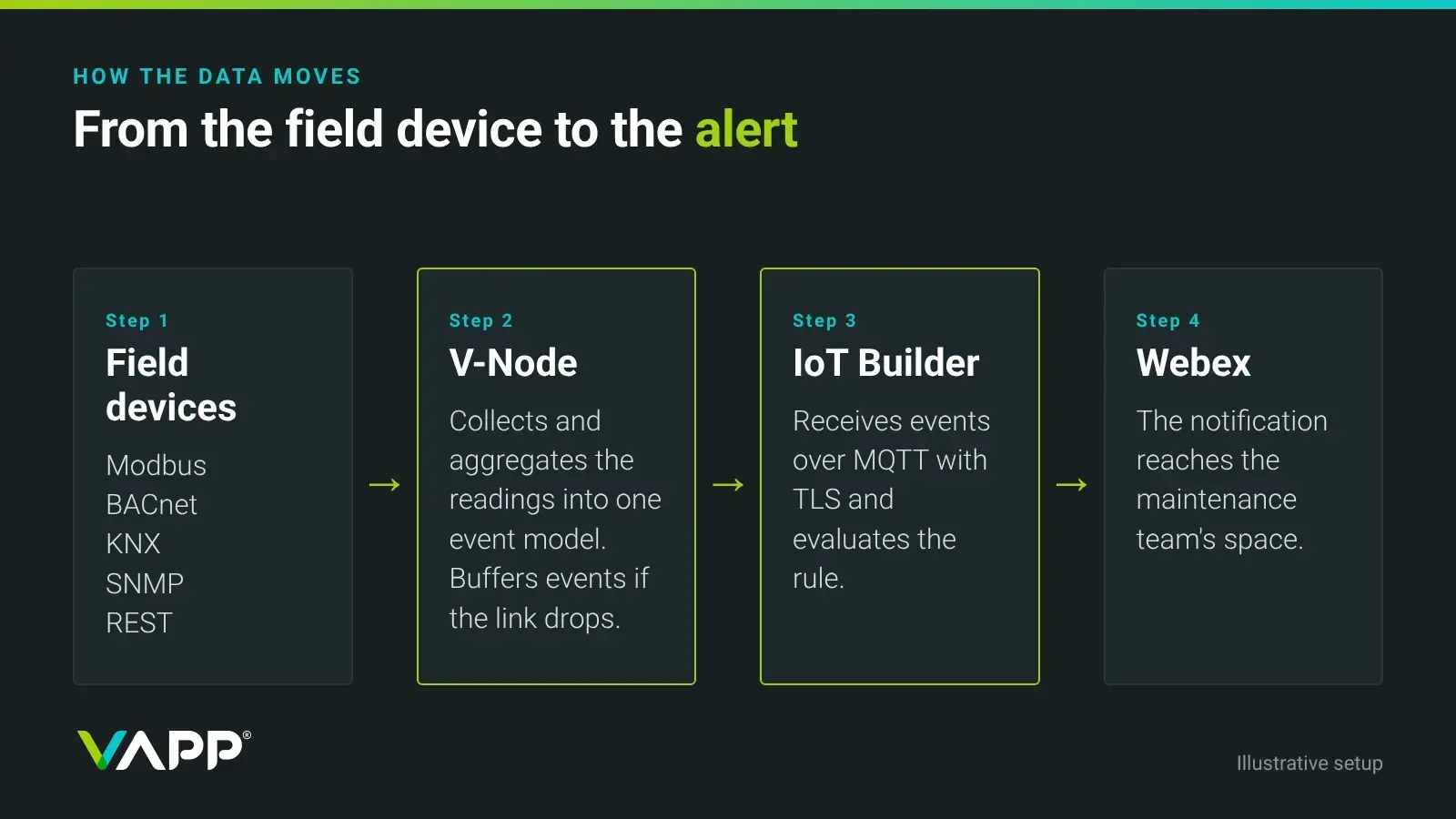
A temperature reading goes through four steps before anyone sees an alert:
- V-Node connects to each device using its own protocol: Modbus, BACnet, KNX, SNMP or REST.
- It converts every reading into one consistent event model, so a value from a PLC and one from a building system look the same downstream.
- Events travel to IoT Builder over MQTT with TLS. If the link drops, V-Node buffers them and replays them in chronological order once it returns.
- IoT Builder evaluates the rule on the incoming events and sends the notification to Webex.
IoT Builder also acts as the control plane: you define the rules in one place and monitor the health of every node from there. Onboarding a new node is zero-touch, which matters when the same line exists at several sites.
The alert, step by step
The rule itself is a condition and an action. The condition says that a temperature has stayed above its normal band for a period you choose; a sustained excursion tells you more than a single spike, and it keeps the channel quiet. You build it in the visual rule editor of IoT Builder with drag and drop, no code.
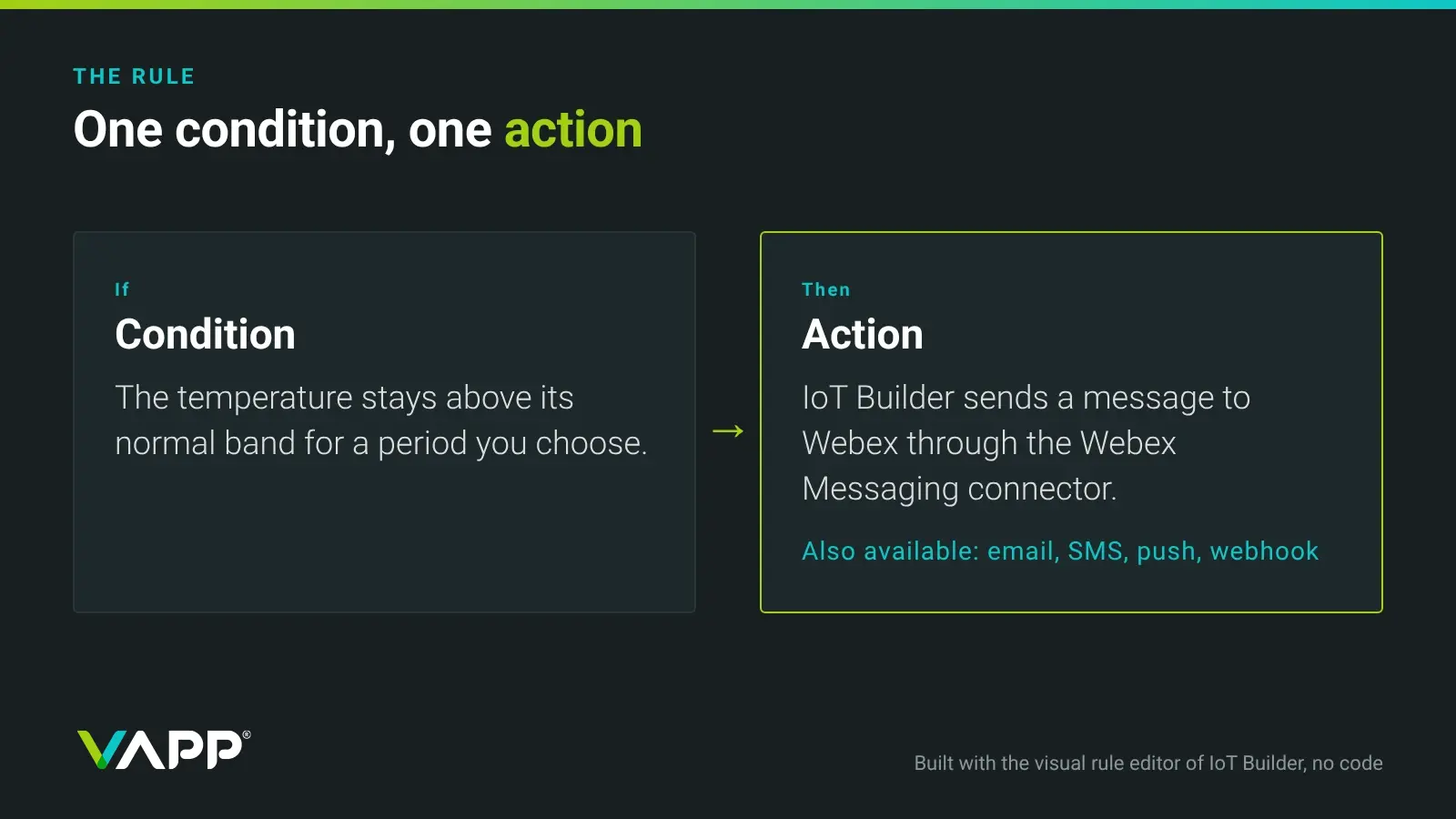
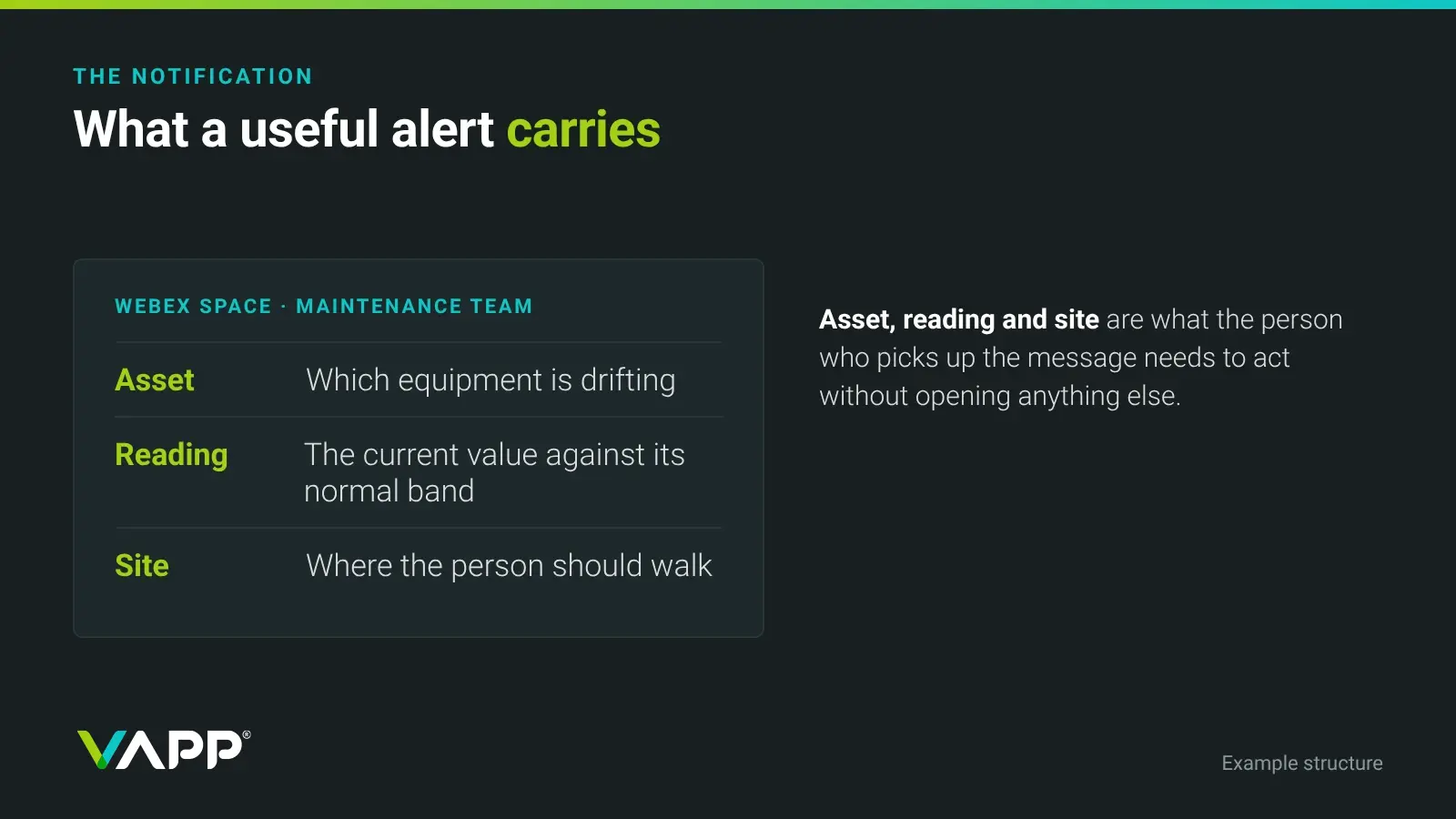
The action is a message that IoT Builder sends to Webex through the Webex Messaging connector, in the space your maintenance team already watches. You decide what the message carries; a useful one names the asset, the reading and the site, so whoever picks it up knows where to walk. The same rule can also send an email, an SMS, a push notification or a webhook if another system needs to react.
What to take away
The value of this setup is in where the work happens: V-Node reaches the devices where they sit, the data arrives in one model whatever protocol it came from, and the alert reaches the people who can act on it. Start with one rule on the asset that worries you most, then extend it to the rest of the line.
What’s the first alert rule you’d set on a production line?
Learn more about V-Node and IoT Builder.