
Peak season in retail: what your cameras can tell you before the rush
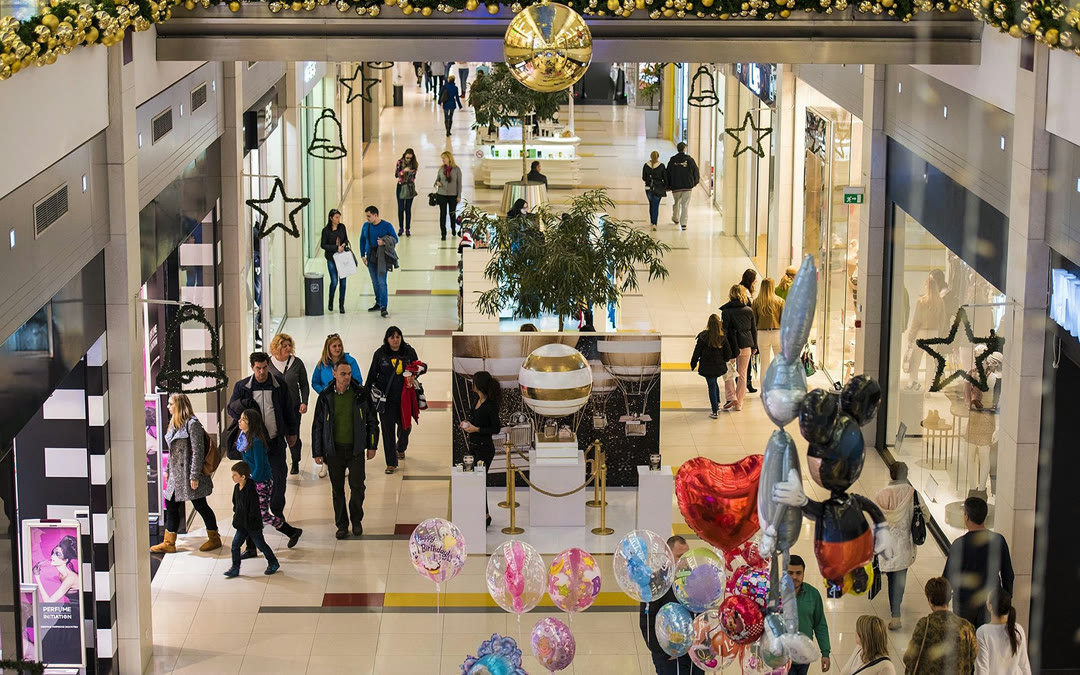
From late November to early January, most stores go through the busiest weeks of their year. Staff schedules, checkout capacity, product placement and promotions get decided in advance, usually on the basis of last year’s sales and the store manager’s experience.
Sales data tells you what sold. It says little about how many people walked out without buying, or how long they waited in the checkout line before giving up. Smart cameras can capture that information, and many stores already have them on site, yet in most cases their footage is only looked at when something goes wrong.
Vision+ turns those same cameras into a source of operational data. Here’s what that looks like for a retailer getting ready for peak season.
Counting visitors, entrance by entrance
Footfall is the first number most retailers want, and often the one they estimate. Vision+ counts people at each entrance using the smart camera feed, keeping entries and exits apart. The dashboard then shows the totals hour by hour and compares entrances and sites side by side.
Put next to point-of-sale data, footfall gives you the conversion rate: the share of visitors who actually bought something. During peak weeks that ratio says more than revenue alone, because a crowded Saturday with flat sales usually points to a problem inside the store, most often staffing or waiting times.
Seeing where people go and where they stop
Access heatmaps show, hour by hour, how traffic is distributed across your entrances, so you can see exactly when the peaks arrive and plan staff around them. Inside the store, Vision+ also measures how many people stop in a given area, such as a promotional display or a department, and how long they stay.
That dwell time matters before peak season, when you decide where the seasonal stock goes. A display that draws people in and holds them for a while deserves more space; one that shoppers pass in two seconds needs a different product or a different spot.
If the store uses digital signage, Magic Display can change the content on screen according to what the cameras detect, for example switching to a different promotion when an area gets crowded.
Keeping checkout lines under control
Long lines are the most visible sign of a store running short of staff. By monitoring the checkout area, Vision+ knows how many people are waiting at any moment. When that number passes a threshold you set, the VAPP rule engine sends an alert, for example to the store team’s Webex space, so someone can open another register before customers leave their baskets behind.
The same logic works for fitting rooms, customer service desks, returns counters and in-store pickup points during the busiest hours. Over the season, those alerts also build a record of when the pressure peaks, which makes the next staff schedule much easier to plan.
Planning the next weeks with AID4
Data from the past few weeks is only useful if someone has the time to analyze it, and in December that time is hard to find. AID4, the conversational layer of the VAPP ecosystem, lets store and operations managers ask questions in plain English and get the answer in seconds.
A manager can ask AID4 to forecast entries for the coming days and factor in the weather forecast. The answer comes back as a chart with historical entries next to the forecast, along with a note on how reliable the prediction is given the history available.
Before a busy weekend, other useful questions might be which entrance grew the most compared with last month, or at what time of day the checkout zone crossed the waiting threshold most often.
Video analytics and GDPR
In the EU, footage that shows people is personal data, so footfall and dwell-time analytics fall under the GDPR even when the output is a set of aggregate numbers. Retailers usually rely on legitimate interest as the legal basis, which has to be documented and weighed against shoppers’ rights.
Before switching analytics on, most retailers carry out a data protection impact assessment, since systematic monitoring of areas open to the public is one of the cases where the GDPR expects one. Signs at the entrance should tell customers that cameras are in use and why, and data should be kept only as long as that purpose requires.
Store planning needs counts and patterns, so the analysis can work on aggregate figures. Your data protection officer can help define which data is processed and for how long, and our team can walk you through how Vision+ fits into that framework.
Getting set up before the busiest weeks
If your stores already have smart cameras, Vision+ can work with them, so getting started is mostly a matter of connecting the cameras and defining the zones that matter to your stores. The sooner that happens, the more data you’ll have to compare once the season is in full swing.
Want to see how it would work in your stores? Request a demo and we’ll walk you through Vision+ for Retail with your own layout and goals in mind.